
ZCAR1600 Universal Relay Tester OS reinstallation steps
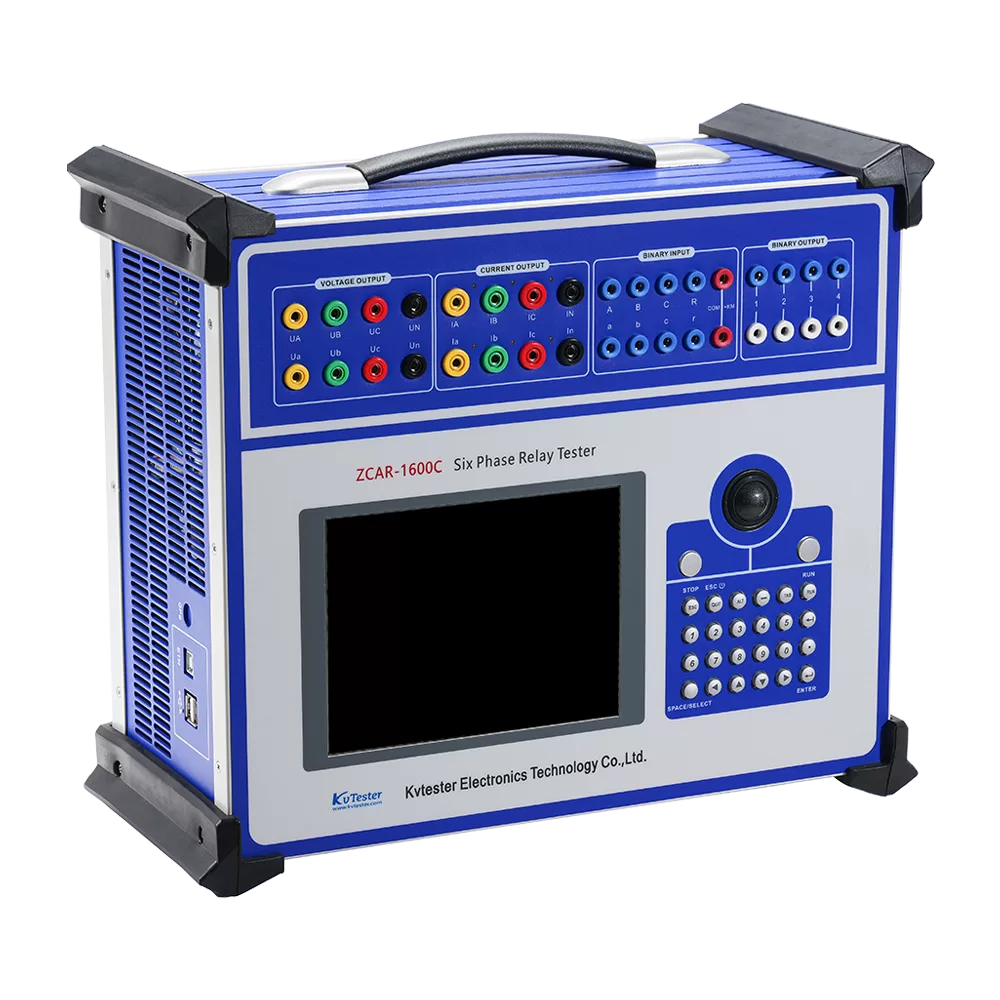
ZCAR1600 universal relay tester’s operating system supports on-site reinstallation, which is very helpful when the universal relay tester’s operating system crashes or the device can’t start up.
All steps to reinstall the universal relay tester’s operating system are following:
Step1: Connect the ZCAR1600 universal relay tester with keyboard and mouse by usb.
Step2: After power on the ZCAR1600 universal relay tester, press F8 immediately, then the tester enters DOS interface.
Step3: On the universal relay tester DOS interface, entering “ghost11” as following:

Step4: In ghost11 software, select restore Local->Partition->From Image as following:

Step5: Only one backup *.gho file on the ZCAR1600 universal relay tester, using it to restore [Logical] destination device as following:

Step6: After the restore process is completed, the ZCAR1600 universal relay tester can be restarted.
Related Products

Latest News
-
 2026-09-302026 Top 3 Chinese Insulation Resistance Transformer Testing Equipment Manufacturers
 -
 2026-09-30Industrial CT Tester: How Is It Used for Current Transformer Factory Testing?
 -
 2026-09-30How Can a CT PT Analyzer Improve CT and PT Quality Testing in the Laboratory?
 -
 2026-09-30How to Perform Current Transformer Testing Step by Step?
 -
 2026-09-30How to Perform CT Analyzer Testing and Evaluate the Test Results?